Hassle-Free Printer Disposal In Your Area
From household waste to office cleanouts — WeCycle responsibly collects, sorts, and recycles your unwanted items.
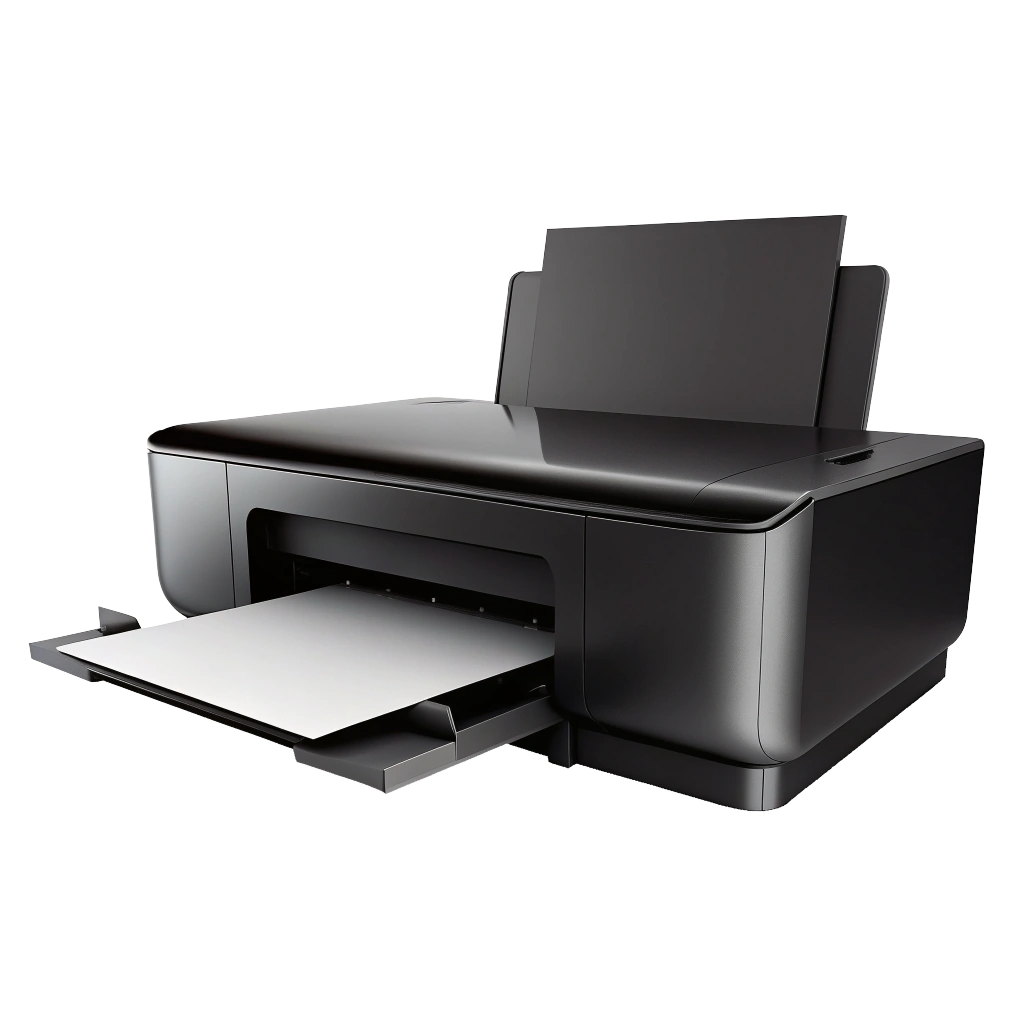
Need to get rid of an unwanted printer? WeCycle provides convenient pickup in our service areas. Share a photo, your ZIP code, and where the item is located. We’ll review the job and provide a clear quote before work begins. Clearing out an office can leave printers, copiers, and other electronics behind. WeCycle can review pickup based on the printer’s size and type. Remove paper, check for stored documents or drives, and tell us whether toner, ink, or accessories are included.
Effortless Junk Removal in 3 Steps


Snap & Schedule
Upload a photo or a list of your junk. Pick a time that works for you. No calls, no stress.
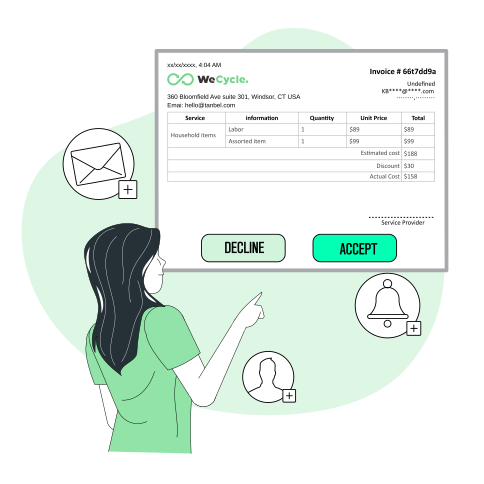
On-Site Price Check
Our team arrives on time, reviews what needs removal, and explains the price clearly. You get real-time updates and GPS tracking.
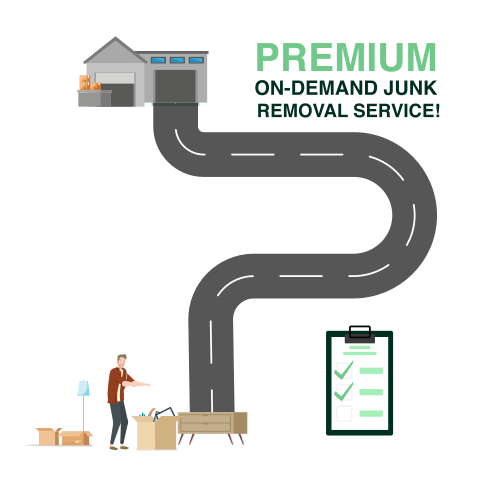
We Handle Everything
We lift, load, haul, and tidy up before leaving. Your space feels lighter. No prep work needed from you.
Our Easy 3-Step Junk Removal Process

Snap & Schedule
Upload a photo or a list of your junk. Pick a time that works for you. No calls, no stress.
On-Site Price Check
Our team arrives on time, reviews what needs removal, and explains the price clearly. You get real-time updates and GPS tracking.
We Handle Everything
We lift, load, haul, and tidy up before leaving. Your space feels lighter. No prep work needed from you.
Need To Dispose Of Your Old Printer?
Need To Dispose Of Your Old Printer?
Clearing out an office can leave printers, copiers, and other electronics behind. WeCycle can review pickup based on the printer’s size and type. Remove paper, check for stored documents or drives, and tell us whether toner, ink, or accessories are included. Specify desktop or commercial copier/printer and quantity. Remove paper and personal data storage; disclose toner or ink supplies, which may require separate handling. Once the pickup is confirmed, our team can handle the lifting and hauling. If the item is part of a larger cleanout, include the other items in the same request so we can assess the full load.
We do not accept with
❌ waterlogged
❌ active bed bugs.
What Is The Cost Of Printer Removal?
The cost depends on the printer’s size and condition, how many items need removal, where it is located, and how much labor or access work is involved. Share photos and details to get an upfront quote. No item-specific starting price is listed here because current rates should be confirmed for your location and service date.
Pricing Starts at $30
What Affects the Final Price?
- Size (Twin, Queen, King)
- Pickup location (Inside home or curbside)
- Stairs or elevator access
- Same-day or scheduled pickup
Book Your Furniture Removal Today
Schedule Your Furniture Pickup With Wecycle Today
We remove more than just old printers. From mattresses to full bedroom setups — WeCycle handles it all responsibly and eco-friendly.
If you don't see your item listed, don't worry — we probably still take it
- Printer Free Standing
- Printer
- Printer Free Standing
- Printer
Why Choose WeCycle?
Because Our Integrity Lives in G.R.E.E.N. way

Guaranteed Upfront Pricing - Review the quoted price before the work starts. Share items and access details in advance to help the team prepare an accurate estimate.

Reliable Same-Day Pickup - Same-day or next-day appointments may be available in some service areas. Check your ZIP code and schedule to see current openings.

Eco-Friendly Disposal - When practical and accepted, WeCycle prioritizes reuse, donation, and recycling options for the printer and other items. The available route depends on condition and local facilities.

Expert, Insured Professionals - Trained, insured haulers handle the lifting and loading. Let the team know about stairs, tight doorways, or other access concerns before pickup.

No Hidden Fees Ever - The team confirms the price before starting. Make sure the quote includes every item and any extra labor or access details you have shared.
Guaranteed Upfront Pricing
Reliable Same-Day Pickup
Eco-Friendly Disposal
Expert, Insured Professionals
No Hidden Fees Ever
Trusted by customers
Trusted by Our Customers
Excellent Work! Their crew handled heavy items carefully and left the space spotless afterwards.
Lisa Thompson
Arizona
Never thought junk removal could feel this easy, affordable, and genuinely respectful.
David Nguyen
Washington
Fantastic! What a relief to have junk removed quickly with upfront pricing and zero stress.
Michael Chen
Florida
They showed up early, priced fairly, and cleared everything without hassle today.
John Miller
Texas
Printer Removal and Pickup
A printer can become a bulky piece of clutter when it stops working, gets replaced, or is no longer needed in a home office or workplace. A small desktop printer may be easy to lift, but larger office models can be heavy and difficult to move through hallways or between floors. WeCycle offers printer pickup to help remove unwanted equipment without requiring you to arrange your own transport.
To request a quote, tell the team what type of printer you have, how many units need removal, and where they are located. Share a photo if the printer is large or part of a more complicated office setup. The team reviews the job and provides an on-site price check before removal begins. Check availability in your area to arrange printer pickup.
When to arrange printer removal
People often need printer removal when upgrading office equipment, closing a workspace, moving, or clearing a home office. An old printer may no longer connect to newer computers, be too slow for daily use, or cost more to repair than to replace. A property cleanout can also uncover printers that have been stored for years.
Printers vary considerably in size. A home inkjet printer may fit on a desk or shelf, while a high-volume office printer may include drawers, trays, a stand, or finishing equipment. Some models have a scanner, fax, or copier built in. The type of printer affects how it is handled and how much space it may require during pickup. If you are unsure how to identify your model, a photo can help.
The printer may also be part of a larger office cleanout. You could be removing desks, chairs, file cabinets, monitors, or other electronics at the same time. Make a list of each item you want removed rather than describing everything as “office junk.” This helps the crew review the full job and quote the items you actually want hauled away.
Identify the printer and any included equipment
When contacting WeCycle, describe the printer’s size and type if you know them. It may be a desktop inkjet, laser printer, all-in-one model, copier, or large commercial unit. You can include the brand and model, but that is not necessary if you have a photo. Mention whether it is working, damaged, missing parts, or difficult to move.
Some printers have separate stands, paper trays, feeder units, or finishing attachments. Tell the team which parts are included. If the printer is on a stand or inside a cabinet, clarify whether you want only the printer removed or the furniture too. List the stand, cabinet, and other components as separate items so the quote is clear.
If you have multiple printers, say how many and where each is located. One compact printer in a home office is different from several large machines across a commercial building. Photos of the equipment and surrounding area can help the crew understand the quantity and access conditions before arriving.
Protect documents and stored information
Before pickup, remove all paper from the input tray, output tray, document feeder, and any internal storage compartment you can access. Check drawers or cabinets attached to the printer for manuals, supplies, or personal documents. If the printer is shared by a workplace, ask the appropriate person to verify that no confidential pages or materials remain inside.
Some printers and multifunction devices can retain job history, contact information, network settings, or other data. The features vary by model, so check the manufacturer’s instructions if the printer stored sensitive information. If it has a hard drive or user accounts, follow the manufacturer’s process to clear or reset data before the device leaves your control. Do not assume every printer stores information, but consider data security when removing equipment used for business or personal records.
Remove any memory cards, USB drives, or accessories you plan to keep. Keep them separate from the printer. If you are unsure whether the machine contains data storage, identify its make and model and ask the manufacturer or your IT provider for guidance.
Prepare the printer and route for pickup
Remove personal items such as paper, labels, cables, and accessories that are not part of the request. If you want to keep the power cord, USB cable, paper trays, or ink cartridges, set them aside and tell the crew which parts should stay. If cartridges are included with the printer, ask WeCycle whether they should remain installed or be removed before pickup. Ink and toner handling requirements can differ, so confirm what to do rather than disposing of them casually.
Unplug the printer if the plug is accessible and you can do so safely. If it is wired into a network or office system, ask your IT support person to disconnect it. Do not pull on cables or remove equipment that is secured in a rack or cabinet without confirming what preparation is needed.
Clear a path from the printer to the exit where practical. Move smaller objects, boxes, or chairs that could block the route. A large printer may be heavy enough that you should not try to move it alone. If it is upstairs, in a basement, or behind a restricted access area, tell the team before scheduling. In an office building, confirm whether the crew needs to use a service elevator, loading dock, or visitor check-in.
What may affect the printer removal quote?
The quote may depend on the number and size of printers, their condition, where they are located, and how accessible they are. A small home printer in an open room is different from a large copier on an upper floor. Stairs, long hallways, tight turns, loading restrictions, and the distance to the truck may affect the job.
Accessories and related equipment can change the scope of the pickup. If the request includes stands, paper trays, cabinets, monitors, or other electronics, list them clearly. If the printer is part of a larger office cleanout, describe the total number of items and whether they are in one room or spread across the property.
WeCycle describes an on-site price check as part of its process. The team reviews what needs removal and explains the price before work begins. Ask whether the quote covers each printer and its listed components. If you add a copier or other equipment after the review, ask the crew to update the quote before loading starts.
Printer disposal and electronics handling
People often search for printer disposal because electronics may have different handling options from ordinary household waste. Local recycling programs and acceptance rules vary, and the right option may depend on the printer’s condition and components. If you want to know how your printer will be handled, ask WeCycle about the options available in your area.
If the printer still works, you can ask whether reuse or donation is possible. This depends on the model, condition, age, and local arrangements. A printer that is missing parts or has a fault may not qualify for reuse. Share its condition honestly so the team can give you a clear answer.
Do not assume that ink or toner cartridges are handled the same way as the printer. Some manufacturers and communities provide separate return or collection programs. Ask WeCycle whether cartridges can be included or whether you should handle them separately.
Printer pickup during an office move or cleanout
During an office move, decide which printers are going to the new space and which are being replaced or removed. Confirm that the machines belong to your business and that the appropriate person has approved removal. If the printer is leased or managed by a service provider, check the agreement before scheduling pickup.
For a larger office cleanout, gather a list of items by room. Include printers, desks, chairs, filing cabinets, monitors, and other equipment. Identify any devices that contain sensitive information and ensure that the information has been cleared before pickup. If building access requires advance notice, a loading dock reservation, or a service elevator, share that information when requesting a quote.
Request printer pickup
If a printer is no longer needed, send WeCycle a photo or list and describe the number, type, condition, and location of the equipment. Remove documents and personal accessories, address any stored data, and mention building access details when you request a quote. The team can review the job and price before removal begins.
Check availability in your area to arrange printer removal.
Frequently Asked Questions
Share your ZIP code, a photo, the item’s location, and any access details. WeCycle will confirm availability and provide a quote before the pickup.
Send its approximate dimensions, weight if known, and access details so we can confirm whether it can be handled.
The item’s size and quantity, its location in the home or business, stairs or elevator access, and any special handling needs can affect the quote. Send photos and details for an accurate estimate.
Preparation depends on the item. Follow any guidance from the team and mention special components, contents, or condition concerns when booking. Specify desktop or commercial copier/printer and quantity. Remove paper and personal data storage; disclose toner or ink supplies, which may require separate handling.
Need junk gone fast? See pricing in your area
Need junk gone fast? See pricing in your area
Enter your zip code to see if Wecycle operates in your location.